
Our pick: one eSIM per person, with about 2GB a day
Most visitors need maps, train times and messages before they leave the airport in Japan. If your phone is unlocked and supports eSIM, our recommendation is to buy one data eSIM per person before the flight, with about 2GB a day. In our price check it was the cheapest option for one, two or three travelers, nothing needs collecting or returning, and nobody loses data when the group splits up. Check the product’s signup-country list before comparing prices: KDDI’s povo Japan SIM accepts Taiwan and Hong Kong home mobile numbers, along with the other locations on its official list checked on 6 October 2026.
Rent a pocket WiFi instead if your phones are carrier-locked, or if three or more of you stay together all day and want unlimited data for laptops and tablets. Keep your home carrier’s roaming pass for when you need your own number all the time or someone else pays the bill. A physical SIM card only makes sense for an unlocked phone without eSIM.
| Option | Best for | Skip it if | 5 days, 1 person |
|---|---|---|---|
| Data eSIM | Unlocked eSIM phones, solo travelers, groups that split up | Your phone is locked or has no eSIM | ¥1,430–2,510 on KDDI’s own visitor eSIM; US$14–20.50 from large resellers |
| Pocket WiFi | Groups that stay together, laptops, locked phones | You dislike charging and carrying another device | ¥3,850–8,068 per unit |
| Home roaming pass | Locked phones, travelers who need calls and texts on their own number | You are on a budget | US$60 on AT&T or Verizon |
| Physical SIM card | Unlocked phones without eSIM | Your phone supports eSIM | ¥4,587 for 10GB over 15 days (NINJA WiFi) |
Prices were checked on 27 September 2026 on each provider’s own site.
- eSIM: best for almost everyone with a compatible phone. Look for “Add eSIM” in your phone’s mobile or SIM settings, and confirm with your carrier that the phone is unlocked. Skip it if your phone has no eSIM support or is carrier-locked.
- Pocket WiFi: best for a family or group that moves as one and wants unlimited data for several devices. Skip it if people often go separate ways, or if you will land after the pickup counter closes and cannot have the unit sent to your hotel.
- Home roaming: the least setup, and your normal number keeps working. It costs three to seven times as much as an eSIM, so skip it unless the phone is locked or the number matters.
- Physical SIM: a fallback for older unlocked phones. It costs 1.5 to 3 times as much as an eSIM with the same data.
Three completed trips: what changed the choice
Three dated accounts add the part a product table cannot. In a February 2025 couple’s trip, both started with eSIMs, but one locked phone could not activate its plan; the writer concluded that pocket WiFi would have solved that person’s problem. A June 2025 solo traveler waited until day three to install an eSIM and described reliable service afterward, but the first two days showed the cost of landing without connectivity. In an April 2025 comparison thread, one traveler who had used both options on separate trips preferred eSIM because it removed a device, charger and return task; another completed three weeks across Japan and China with two phones and reported no service issue.
These are individual outcomes, not network measurements. Together they make the decision order clear: check phone lock and eSIM support first; decide whether the group must split; then compare the exact data, hotspot and fair-use terms. Price comes after those gates.
What five and ten days cost, for one person or three
We checked each provider’s own price page on 27 September 2026 and priced the same trip on every option: about 2GB a day for each person, the smallest plan that covers the dates, airport pickup for pocket WiFi and no optional insurance. Yen prices are converted at ¥157.6 to US$1, from the European Central Bank’s reference rates for 25 September 2026. Card fees are not included.
| Option (plan used) | 1 person, 5 days | 1 person, 10 days | 3 people, 5 days | 3 people, 10 days |
|---|---|---|---|---|
| povo Japan SIM, KDDI network (10GB for 7 days; 20GB for 30 days) | ¥1,430 (US$9) | ¥2,700 ($17) | ¥4,290 ($27) | ¥8,100 ($51) |
| Ubigi, KDDI and Docomo networks (10GB for 7 days; unlimited for 15 days) | $14 | $39 | $42 | $117 |
| Airalo, fixed data (10GB for 7 days; 20GB for 15 days) | $17 | $24 | $51 | $72 |
| Airalo, unlimited | $17 | $34.50 | $51 | $103.50 |
| povo Japan SIM, unlimited (5-day code; 7-day plus 3-day codes) | ¥2,510 ($16) | ¥4,930 ($31) | ¥7,530 ($48) | ¥14,790 ($94) |
| Holafly, unlimited | $20.50 | $36.50 | $61.50 | $109.50 |
| NINJA WiFi pocket WiFi, 10GB a day, one unit | ¥6,600 ($42) | ¥13,200 ($84) | ¥6,600 ($42) | ¥13,200 ($84) |
| Japan Wireless pocket WiFi, unlimited, one unit | ¥8,068 ($51) | ¥11,533 ($73) | ¥8,068 ($51) | ¥11,533 ($73) |
| AT&T International Day Pass | $60 | $120 | $120 | $240 |
| Verizon TravelPass | $60 | $120 | $180 | $360 |
The Japan Wireless price includes a ¥500 fee for airport pickup (our quote used Haneda Terminal 3); NINJA WiFi’s airport counter pickup and return are free. A solo traveler could take NINJA WiFi’s 3GB-a-day plan instead: ¥3,850 for five days, ¥7,700 for ten. The AT&T figures for three people assume three lines on one account, where each extra line costs $6 a day.
The table points to three practical conclusions:
- Alone, an eSIM wins easily. Five days cost US$9–20.50 on an eSIM, $24–51 on a pocket WiFi and $60 on a US carrier’s day pass.
- For three people, one pocket WiFi costs about the same as three fixed-data eSIMs. Japan Wireless comes to $51 for five days and $73 for ten; three Airalo fixed-data eSIMs come to $51 and $72. The pocket WiFi is cheaper than three unlimited eSIMs ($94–117 for ten days), and three povo data packs are cheaper than both ($27 and $51).
- Roaming stops rising after ten days on AT&T, but it still costs the most. AT&T charges no more than ten daily fees per line in a bill period, so a longer trip pays $120 for the first line.
Two traveler accounts broadly match those figures. A US traveler with locked phones, posting on Reddit in September 2026, recalled paying about ¥15,000 for two weeks of NINJA WiFi’s 3GB-a-day plan the previous year, with full insurance and a spare battery; today’s prices give ¥16,940 for the same order. Another Reddit user, writing in July 2026, estimated about $95 for two weeks of Japan Wireless with pickup at Haneda Terminal 3; the operator’s own quote for 14 days is ¥13,623, or $90 at its displayed rate.
How much data you need, and what “unlimited” really means
Two gigabytes a day covers maps, messaging, photos to social media and train searches. A traveler posting on Reddit in September 2026 found 1GB a day “not quite enough” with heavy navigation and suggested at least 1.5GB. Streaming video on trains or running a laptop through your phone pushes you toward an unlimited plan.
“Unlimited” means different things on each product we checked:
| Plan | Full-speed allowance | After that | Sharing with other devices |
|---|---|---|---|
| Airalo unlimited | 3GB a day | 1 Mbps until the day resets | Hotspot allowed; it counts toward the 3GB |
| Ubigi unlimited (15 days) | 30GB in total | 2 Mbps | Data sharing allowed |
| Holafly unlimited | No daily figure published | Not stated | Hotspot limited to 1GB a day |
| Klook Japan eSIM unlimited | 10GB a day | 128 kbps | Hotspot allowed |
| povo Japan SIM unlimited | No figure; speeds may drop in congestion or during heavy video | 128 kbps once no pack is active | Not stated |
| Japan Wireless pocket WiFi | No fair-use cap | Not applicable | Up to 8 devices |
| NINJA WiFi “Unlimited Plan” | 1, 3, 5 or 10GB a day | 128 kbps for the rest of the day | Shared device |
NINJA WiFi’s plan names need a closer look. Its “Unlimited Plan” at ¥440 a day is a 1GB-a-day plan, and one person’s video can use up a group’s allowance before lunch. Its truly uncapped plan, “Infinite Unlimited”, costs ¥1,980 a day.
On a pocket WiFi or a phone hotspot, laptops and phones treat the connection as ordinary Wi-Fi and may start backups and app updates. Turn on Low Data Mode for that network on an iPhone, or mark it as metered on Android.
Which kind of eSIM: a Japanese network or a roaming reseller
Most travel eSIMs, including Airalo, Ubigi and Holafly, are resellers. They buy access to Japanese networks (Airalo lists SoftBank plus one other; Ubigi lists KDDI and NTT Docomo) and your phone connects as a roaming customer. povo’s Japan SIM is different: it is KDDI’s own data-only eSIM for visitors, on the au network, sold online since August 2025 and priced from ¥1,430 for 10GB over seven days.
English-language travelers mostly report no trouble with the big resellers. One Reddit user in September 2026 ran Ubigi while a partner ran Airalo for more than three weeks and noticed no difference and no blocked social media apps. Another, the same month, said Ubigi worked “even in the middle of nowhere” in Kyushu and Okinawa. An Australian traveler who has used both on several trips said each failed once, customer service was “pretty hopeless”, and a 24-hour pack from the other brand for AU$3 got them online until the problem was sorted.
Taiwanese forum reports are harsher. A Taiwanese traveler back from eight days in Fukuoka in August 2026 found Google Maps and ChatGPT stalling on Ubigi, measured pings of 100–200 ms with more than 40% packet loss, and after five days switched to povo, with pings under 40 ms. A reply from another user who had spent 14 days in Kansai on Ubigi the year before reported no problems and said roaming eSIMs vary noticeably with the season and the number of users. Both can be true: a reseller shares capacity with every other roaming customer, so a busy week in one city can feel very different from a quiet one elsewhere.
Our advice: choose povo’s Japan SIM if your home number is on its current eligibility list and you are happy to create an account; Taiwan and Hong Kong were both listed when checked. Choose a large reseller if you would rather buy in a familiar app with wider language support. Either way, know which backup you would buy if the first eSIM fails.
If you already book trains or tours through Klook, its Japan data eSIM is a reseller plan that names its networks: SoftBank 5G for plans with a daily allowance and Docomo 4G LTE for plans with a total allowance. Its unlimited plans drop to 128 kbps after 10GB in a day, hotspot sharing is allowed, and it is data only, with no phone number. Validity starts when the eSIM first connects in Japan, and you can cancel for a full refund until then. On 28 September 2026 the web page let us pick days and data but sent us to the Klook app to see the plan price, so compare the app’s total for your dates with the table above before paying. Check Klook’s Japan eSIM plans for your dates. Skip it if your phone is carrier-locked or you need a Japanese phone number.
povo’s conditions are stricter than the resellers’:
- You sign up online with an email address and a home mobile number that can receive a verification text. The eligible list includes Taiwan, Hong Kong, the United States, Canada, the United Kingdom, Australia, Singapore, Malaysia, the Philippines, India and several European countries.
- Payment is by credit card only, you must be 18 or over, and each phone number can hold one account. No photo ID is needed.
- The account ends 90 days after you activate the eSIM. Calls and texts are not included.
- Without an active data pack, speed is 128 kbps. Unlimited packs arrive as a code that you enter after you land. Taiwanese travelers on a PTT thread in August 2026 warned that people who skip the code end up stuck at that speed.
Setting up an eSIM without surprise charges
Install the eSIM at home on Wi-Fi, a day or two before you fly. Reseller eSIMs usually need data roaming switched on for that line, because they connect as roaming customers. Check your provider’s instructions.
Keep your home line for texts and calls if you need them, but turn off its data roaming. A day pass can start from very little: AT&T counts any 24-hour period in which you talk, text or use data. A Reddit user posting in September 2026 said a single incoming text or call had triggered roaming charges on their plan. The Australian traveler above, using an iPhone with two eSIMs, received two-factor verification texts from home without paying for roaming. Ask your carrier how it treats incoming texts, or switch on Wi-Fi Calling and let texts arrive over hotel Wi-Fi.
Pocket WiFi: when one device for the group is worth it
Japan Wireless says its unit connects up to eight devices, runs 8–10 hours and comes with a free power bank. You collect it at Narita, Haneda, Kansai, Chubu Centrair, Fukuoka or New Chitose airport, or have it delivered to your hotel, and post it back in any mailbox in the prepaid envelope by the day after the rental ends. Without its Device Protection add-on, a lost or damaged router costs ¥44,000; the Regular plan, which covers half of that, adds ¥400 to a five-day rental. If you land less than two hours before the airport counter closes, the operator suggests hotel delivery instead.
NINJA WiFi charges nothing for pickup and return at airport counters and ¥550 each way for delivery. Its loss fee is ¥40,000, and insurance costs ¥220–440 a day.
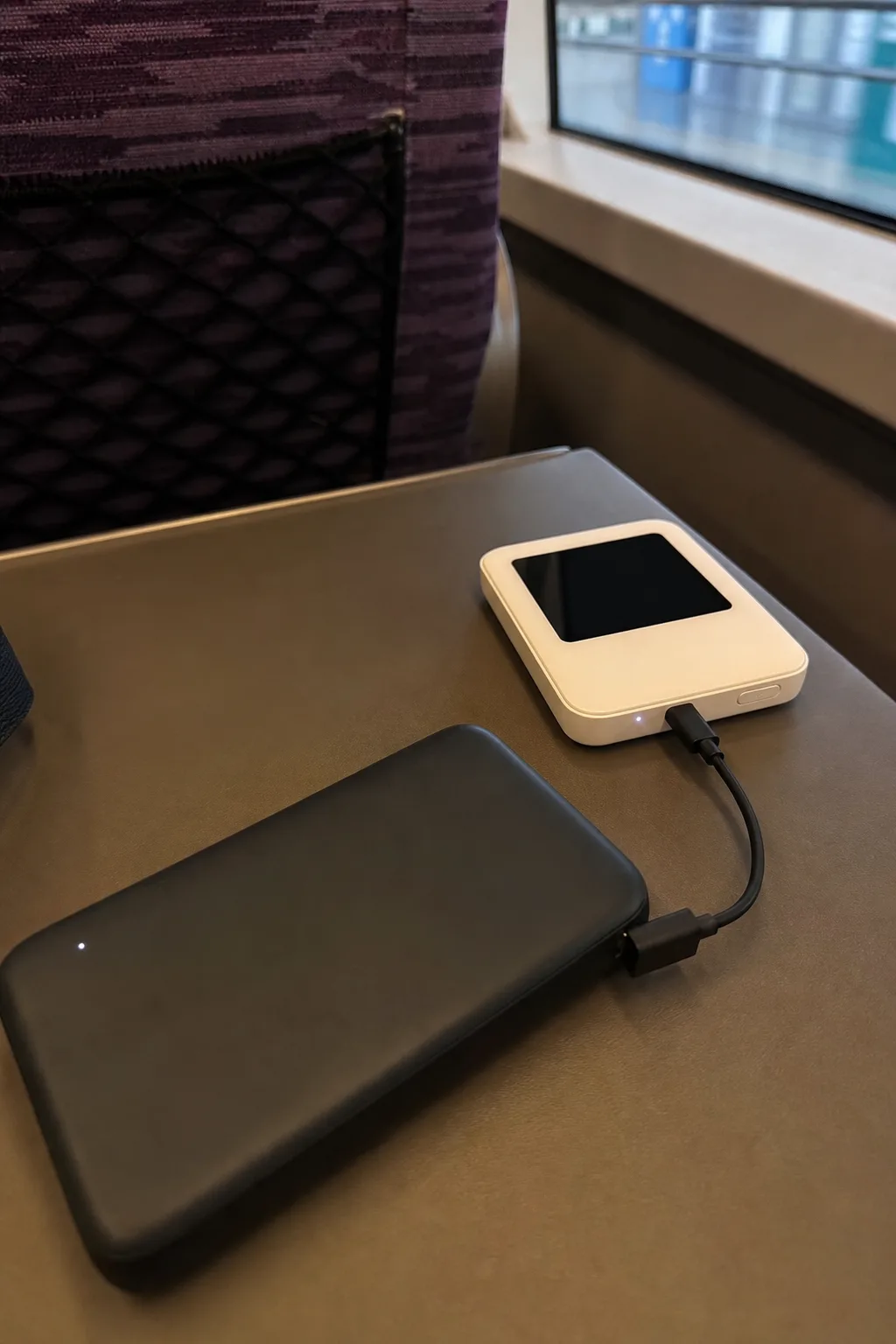
Battery life is where reports split. One traveler writing in July 2026 said a Sakura Mobile unit lasted all day and was charged each night at the hotel. Another in the same thread said theirs lasted four hours and the charger supplied with it did not work. The NINJA WiFi user above found the battery drained faster in the subway, where the device keeps searching for signal. The number of devices connected, time underground and the age of the unit all play a part, so carry a power bank either way.
For groups, the router’s limited range is the bigger constraint. A traveler with a family of four in July 2026 started with one pocket WiFi, found the family often split up, and had a second unit sent to the hotel. By contrast, a traveler in a group of five recalled in September 2026 that one unit lasted most of the day with all five connected and cost under $90 for eight days of unlimited data. A pair of travelers in the same thread liked handing all the data to one device, which left their phones with more battery, and kept cheap eSIMs for arrival and departure days.
A family of three from Paris took a middle route, described in July 2026: one Airalo eSIM on one phone shared as a hotspot, a 20,000 mAh power bank, and a free 3GB eSIM on the navigator’s phone for when they separated. That setup costs little more than one eSIM and fixes the pocket WiFi’s biggest weakness.
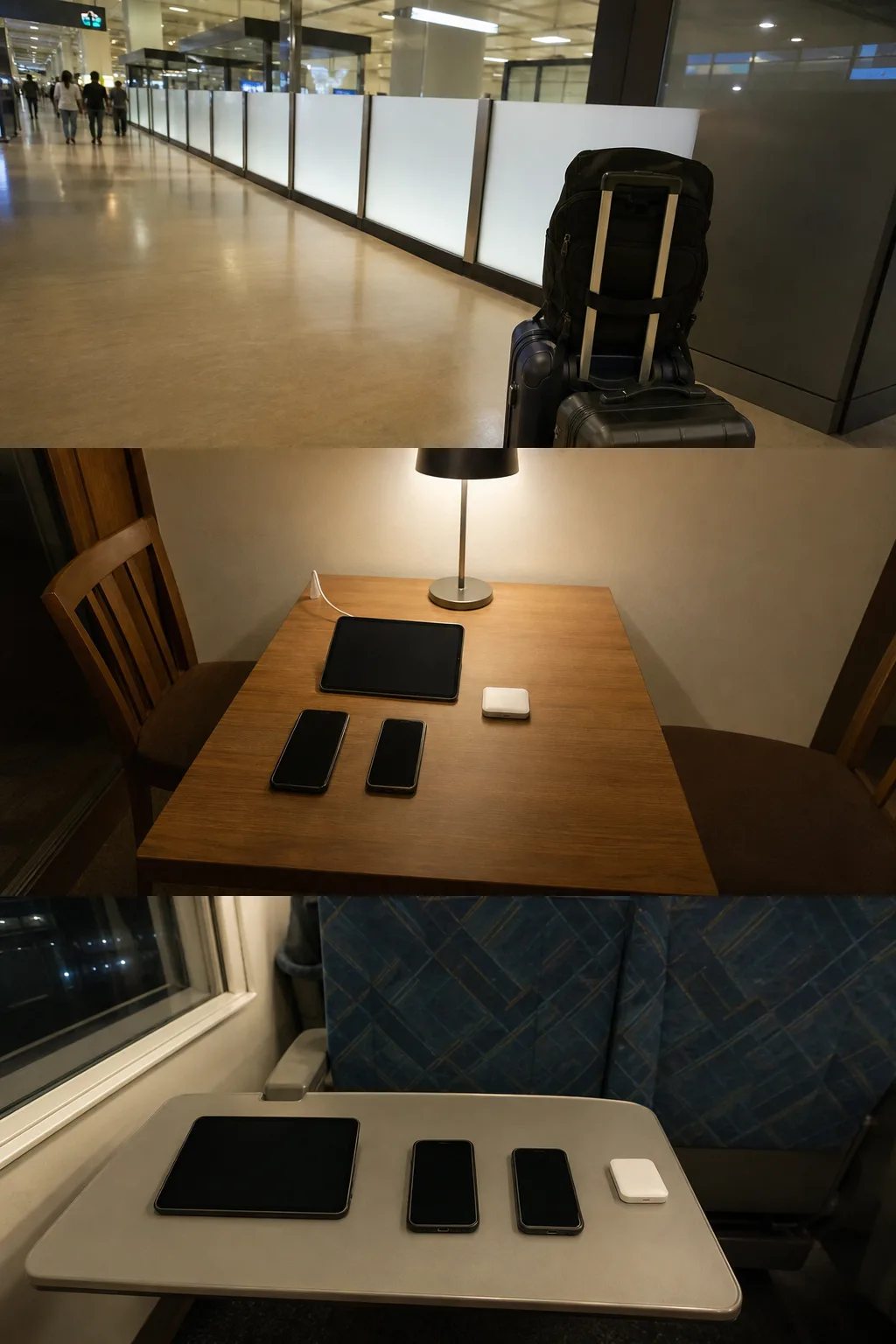
A pocket WiFi can also keep your home number reachable. If your carrier supports Wi-Fi Calling abroad, calls and texts to your normal number come through the pocket WiFi while the phone stays in airplane mode, which one Reddit user counted as a real advantage when family needed to reach them.
Return the unit before you go through security, because you cannot come back out once you are airside. Japan Wireless units go in a postbox, not to the airport pickup counters; NINJA WiFi takes returns at its counters and airport return boxes. If you forget, Japan Wireless asks you to send the unit back by courier and charges a late fee.
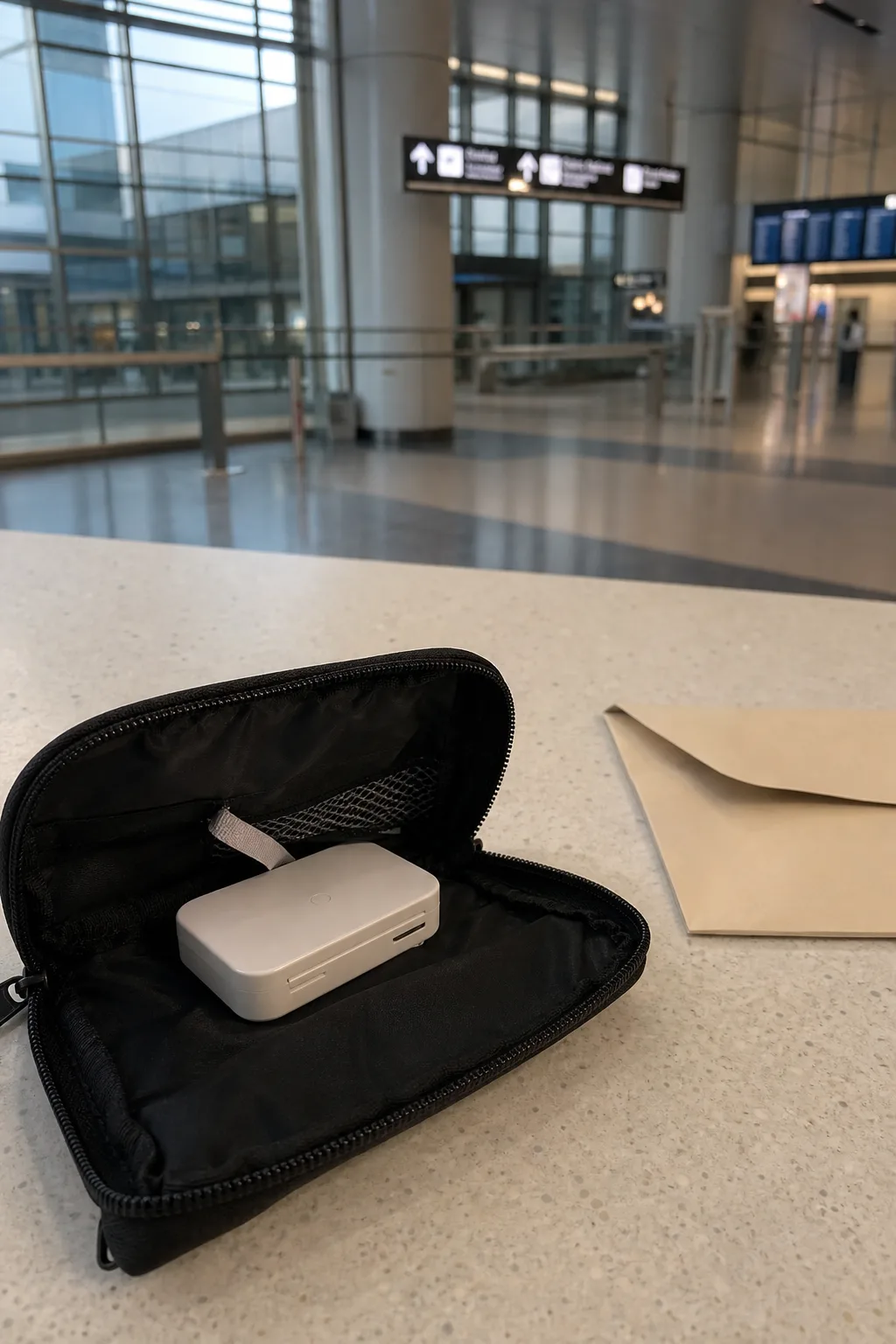
Roaming from home: the simplest option, and the most expensive
AT&T’s International Day Pass costs $12 a day for the first line and $6 a day for each other line on the same account, with no more than ten daily fees per line in a bill period. Verizon’s TravelPass costs $12 a day per line. Other carriers and countries price roaming differently, and some plans include a small data allowance abroad, so check your own plan before comparing it with the table above.
Roaming keeps your own number active with zero setup. A traveler posting on Reddit in September 2026 said no eSIM they had used in Japan was as good as AT&T roaming. A traveler in June 2026 whose partner relied on T-Mobile found the eSIM consistently faster, but called T-Mobile “perfectly serviceable” in Tokyo, Kyoto and Hakone. Another user in that thread confirmed that AT&T stopped charging after ten days in the month.
Roaming is also the answer for carrier-locked phones. US travelers in September 2026 threads said a phone still on a carrier payment plan can be locked against other eSIMs, and that the rules differ by carrier. Ask yours before you rule an eSIM in or out.
Physical SIM cards for older phones
If your phone is unlocked but has no eSIM, a physical SIM works like an eSIM once it is in. NINJA WiFi sells a Travel SIM on SoftBank’s network at its airport counters: ¥4,587 for 10GB over 15 days, ¥7,887 for 20GB over 20 days, or ¥11,088 for 15 days of unlimited data. Nothing needs returning, but that is 1.5 to 3 times the price of an eSIM with the same data.
Check hotspot rules before buying a SIM for a laptop. Japan Wireless, for example, allows tethering on its Premium SIM but not on its Standard SIM.
Crowds and dead spots: have a backup
Every network slows where tens of thousands of phones gather. A Taiwanese traveler visiting Tokyo DisneySea in February 2025 had bought the same eSIM brand as two friends for a group discount. All three lost data soon after entering, just as they tried to book paid ride slots, and none of them received the card-verification texts. They bought the slots in person at the ride. A Reddit user recalled in July 2026 getting no bandwidth on their own pocket WiFi in Ueno Park during a crowded Pokémon Go event, while a companion’s T-Mobile roaming still worked.
Even a good network has dead spots. A Taiwanese traveler on a KDDI-network eSIM for six days in Kansai in June 2026 rated it 80 out of 100, and listed the weak spots: the Nankai train from Kansai Airport, the JR line between Osaka and Kyoto, inside Osaka Castle’s main tower, and a café in Arashiyama, where a PayPay payment kept spinning until they paid in cash.
A few precautions reduce the impact of outages and dead spots:
- Download offline maps for the areas you will visit.
- Screenshot QR tickets and passes before you set out.
- Carry some cash for places where card and QR payments depend on a signal.
- In a group, use at least two different networks or providers, so one outage does not cut off everyone.
What can change before your trip
- Prices. We checked every price on 27 September 2026 (the Japan Wireless FAQ and Airalo’s fair-use page on 26 September). Resellers change prices and run promotions often, and Airalo and Holafly may show prices in your local currency.
- povo’s Japan SIM. The plan lineup dates from 25 March 2026. The eligible countries for sign-up and the 90-day account limit are on povo’s sign-up page.
- Carrier roaming. AT&T’s daily rates and ten-day cap and Verizon’s TravelPass rate can change; check your carrier’s international page before you fly.
- Pickup counters. Airport counter hours and delivery options vary by airport. Check them on the Japan Wireless FAQ or your provider’s page if you land late.
- Exchange rate. Dollar figures use ¥157.6 to US$1 from the European Central Bank’s rates of 25 September 2026.
Last checked: 2026-10-20.
Sources & verification
A source-based guide. Check the linked operator information again before you travel.
- Airalo: Japan eSIM packages (fixed and unlimited data)Sources checked:
- Airalo: Unlimited data plans fair use policySources checked:
- Ubigi: Japan 10GB, 7 daysSources checked:
- Ubigi: Japan unlimited data, 15 daysSources checked:
- Holafly: eSIM for Japan, prices and hotspot allowanceSources checked:
- povo (KDDI): Japan SIM lineup and prices, news release of 19 March 2026Sources checked:
- povo (KDDI): Japan SIM sign-up steps, eligible countries and notesSources checked:
- povo (KDDI): Japan SIM data pack rulesSources checked:
- Japan Wireless: Pocket WiFi products and ratesSources checked:
- Japan Wireless: FAQ (battery, pickup, return, loss fees)Sources checked:
- NINJA WiFi: Rates and plans, options and feesSources checked:
- NINJA WiFi: Travel SIM card and eSIM pricesSources checked:
- AT&T: International Day PassSources checked:
- AT&T: International Day Pass details and 10-day capSources checked:
- Verizon: TravelPassSources checked:
- European Central Bank: Euro foreign exchange reference rates (25 September 2026)Sources checked:
- February 2025 couple: eSIM activation failed on a locked phoneSources checked:
- June 2025 completed solo trip: eSIM installed on day threeSources checked:
- April 2025 completed-trip comparisons of eSIM and pocket WiFiSources checked:
Images are examples to aid understanding.
Help us keep this note useful
A quick response helps us decide what to clarify or recheck. No account or email is needed.